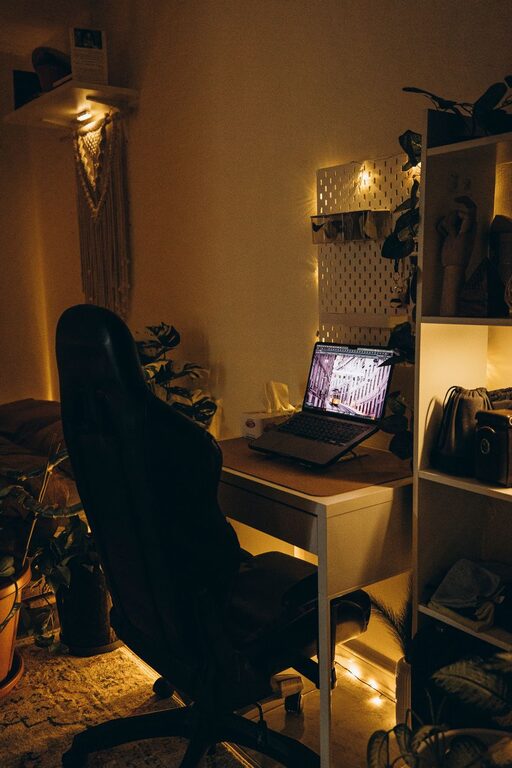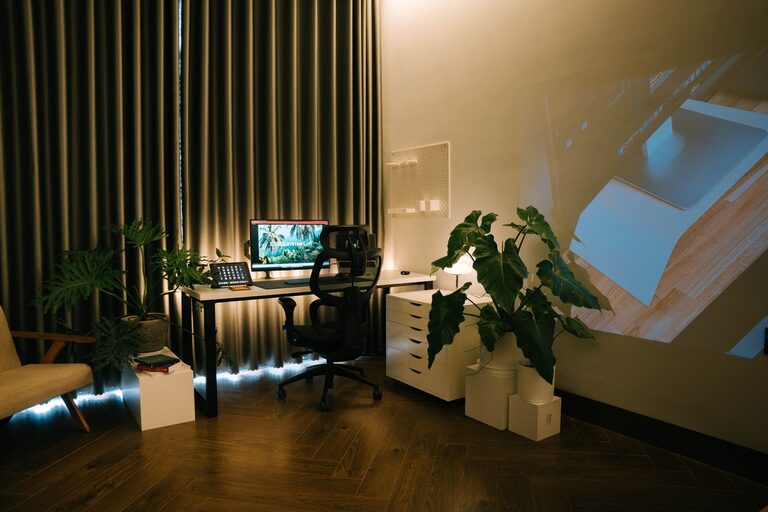



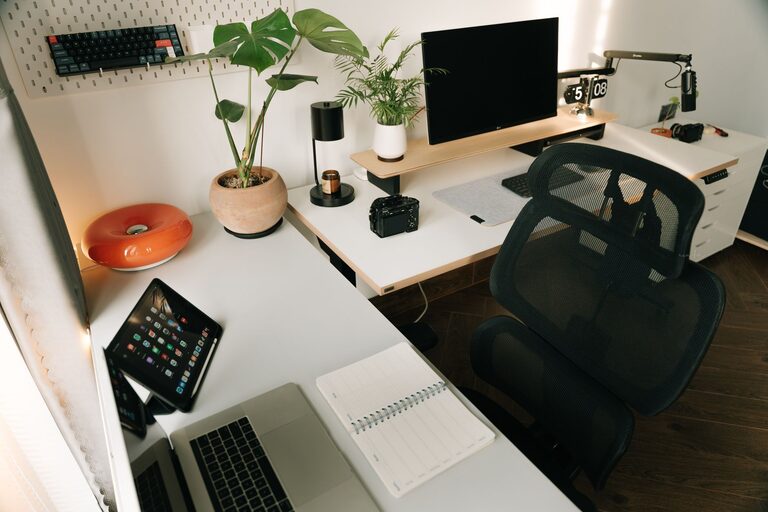
Creating a productive home workspace is essential for anyone working remotely, freelancing, or managing tasks from home. A well-designed workspace can boost your focus, comfort, and overall efficiency. Whether you have a dedicated room, a corner, or just a small desk area, the right setup can make a big difference in your daily work routine. Here are some helpful tips to create a home workspace that promotes productivity and comfort.
1. Choose the Right Location
Selecting the best spot for your workspace is the first step. Ideally, find a quiet area with minimal distractions. Natural light is a big plus; it can improve mood and reduce eye strain.
– Avoid high-traffic areas like the living room or kitchen.
– Ensure the location has enough space for your equipment and supplies.
– Consider using a room divider or screen if you share space with others.
2. Invest in Ergonomic Furniture
Comfort plays a crucial role in maintaining focus during long work sessions. Ergonomic furniture helps prevent physical discomfort and potential health issues.
– Use an adjustable chair that supports your lower back.
– Choose a desk at a height that allows your arms to rest comfortably while typing.
– Consider a standing desk or desk converter to alternate between sitting and standing.
3. Organize Your Workspace for Efficiency
A cluttered desk can be distracting and reduce productivity. Keep your workspace organized to easily find what you need.
– Use organizers, trays, or drawers for supplies.
– Keep only essential items on your desk.
– Implement cable management solutions to reduce mess.
– Regularly declutter your space to maintain order.
4. Optimize Lighting
Good lighting is vital for reducing eye strain and maintaining alertness.
– Position your desk near a window for natural light.
– Use a desk lamp with adjustable brightness and color temperature.
– Avoid glare on your screen by angling your monitor away from direct light sources.
5. Personalize Your Space Mindfully
Adding personal touches can make your workspace inviting and motivating, but avoid over-decoration.
– Use plants to add a touch of nature and improve air quality.
– Hang inspiring artwork or quotes within view.
– Choose colors that promote calm and focus, such as blues or greens.
6. Minimize Distractions
Limiting distractions helps maintain concentration and work flow.
– Put your phone on silent or in another room during work hours.
– Use noise-cancelling headphones if you’re in a noisy environment.
– Set boundaries with family or housemates about your work time.
7. Ensure Proper Technology Setup
Having the right technology and a reliable internet connection supports smooth work.
– Invest in a good-quality monitor, keyboard, and mouse.
– Use a headset or speakers for clear audio in video calls.
– Keep your software and devices updated for optimal performance.
8. Implement a Routine and Daily Reset
A consistent routine helps your brain associate your workspace with productivity.
– Start your day with a set schedule.
– Take regular breaks to stretch and rest your eyes.
– End your workday by tidying your workspace, so it’s ready for the next day.
Conclusion
Designing a home workspace that balances comfort and productivity is achievable with thoughtful planning and small changes. By selecting a quiet spot, investing in ergonomic furniture, organizing your desk, and minimizing distractions, you create an environment that supports focus and well-being. Incorporate these tips to transform your home workspace into a productive and comfortable area perfect for your needs.