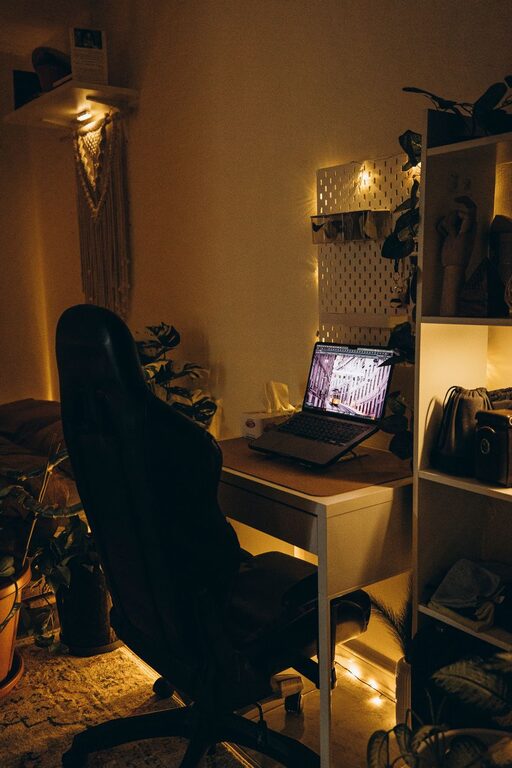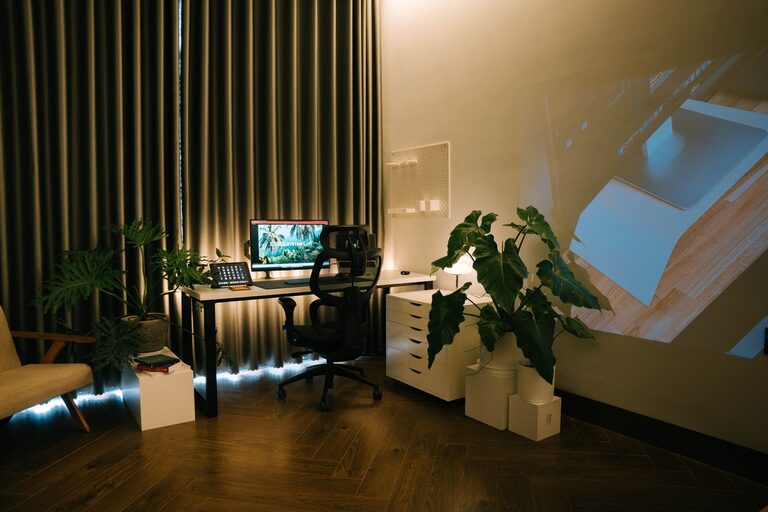

Creating a home office that is both cozy and productive can transform your work-from-home experience. Whether you work remotely full-time or need a dedicated area for occasional projects, designing a space that feels inviting and fosters concentration is key. Here are some helpful tips to guide you in setting up a home office that balances comfort and efficiency.
Choose the Right Location
Consider Natural Light
Natural light can improve mood and help reduce eye strain, so try to position your desk near a window if possible. If natural light is limited, ensure your workspace has sufficient artificial lighting that mimics daylight.
Minimize Distractions
Select a quiet area away from high-traffic spaces in your home. If that’s difficult, consider noise-canceling headphones or adding sound-absorbing elements like rugs or curtains.
Invest in Comfortable and Functional Furniture
Ergonomic Desk and Chair
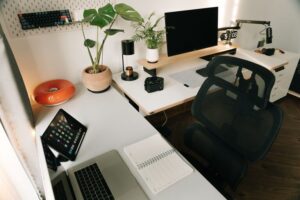
Your desk and chair should support good posture to prevent fatigue and discomfort. An adjustable chair with lumbar support and a desk at the right height can make a big difference in your daily comfort.
Optimize Desk Space
Choose a desk size that fits your work needs without crowding the room. If possible, use a desk that allows for both sitting and standing positions to encourage movement.
Personalize Your Space
Use Calming Colors
Soft, neutral colors on walls and furniture tend to create a relaxing atmosphere. You can add pops of color through accessories like cushions, plants, or artwork to make the space inviting.
Add Personal Touches
Incorporate items that inspire and motivate you, such as photos, quotes, or favorite books. Be mindful not to clutter your workspace to maintain focus.
Organize Efficiently
Declutter Regularly
Keep only essential items on your desk and organize papers, supplies, and electronics in designated storage spaces. Regularly decluttering helps maintain a clear mind and workspace.
Use Storage Solutions
Shelves, drawers, and organizers can keep your office tidy and make it easy to find what you need. Label containers or folders to save time looking for materials.
Manage Technology Wisely
Reliable Equipment
Invest in a good-quality computer, monitor, and other devices necessary for your work. Reliable technology reduces frustration and helps maintain productivity.
Cable Management
Use clips, ties, or sleeves to keep cables organized and out of sight. A neat setup not only looks better but prevents tangling and accidents.
Create Comfortable Lighting
Layer Lighting
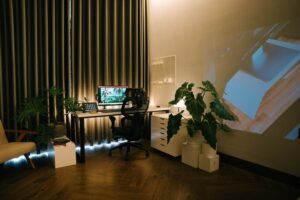
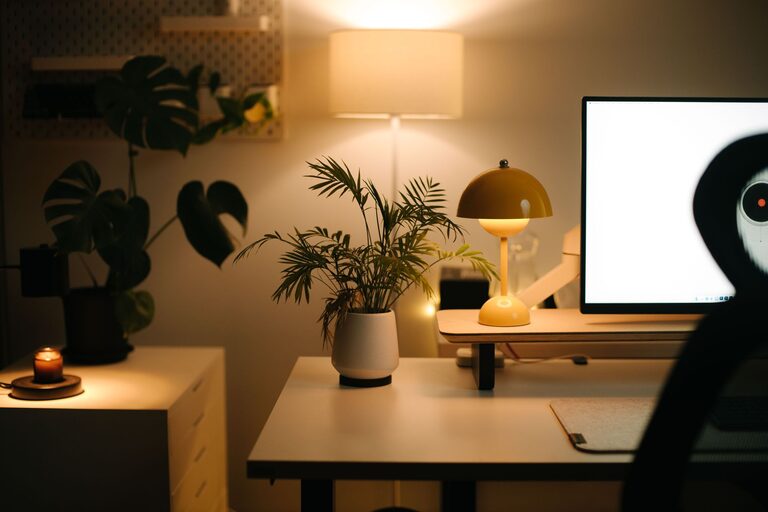
In addition to natural light, use a combination of overhead lights, desk lamps, and ambient lighting to reduce eye strain and create a cozy feel.
Adjustable Lighting
Choose lamps with dimmers or adjustable brightness to adapt the lighting according to the time of day or tasks you’re working on.
Incorporate Elements for Well-Being
Indoor Plants
Adding greenery can improve air quality and create a calming atmosphere. Low-maintenance plants like succulents or pothos are great options for busy schedules.
Comfortable Temperature
Ensure your workspace has proper ventilation and temperature control. Being too hot or cold can distract from your work.
Break Space
If space allows, create a small area nearby for short breaks with a comfortable chair or cushion. Taking regular breaks can refresh your mind and body.
Maintain a Routine and Boundaries
Set Work Hours
Establish clear start and end times for your workday to maintain a healthy work-life balance.
Communicate Boundaries
If you live with others, make sure they understand your work schedule to reduce interruptions.
—
Creating a cozy and productive home office is about balancing comfort with function. Thoughtful choices in location, furniture, organization, and ambiance can help you set up a space where you enjoy spending time and produce your best work. Take your time to personalize and arrange your office to fit your unique needs, and you’ll be on your way to successful and comfortable workdays at home.